assay
Assay is just another harness.Just another harness.
objective  "Update my website."

requested from   ChatGPT
planned by       Assay
executed through Cursor + Fireworks
run on           devops
verified by      independent gates

◆ completed  no provider or execution path specified
Quick start
Needs node (18 or newer) and nothing else. The installer drops the engine into ~/.assay and links assay into ~/.local/bin.
curl -fsSL https://assay.qbcsys.com/install.sh | sh
- Install. Fetches the engine files, links
assay, and (ifnpmis present) the optional Ink/React rich TUI asassay-tui. SetASSAY_NO_TUI=1to skip it — the core CLI never needs npm. - Pick a model. First run prompts you. Keys are saved to
~/.assay/config.jsonwith/key <your-key>— or skip keys entirely and point at a local Ollama. - Work. Type anything for a chat turn with tools;
:run <task>for the gated, resumable, step-streaming machinery. - Go remote (optional).
assay loginthenassay serve— the machine dials out to the console and appears under Sessions. No tunnels, no inbound ports.
# clone and link the CLI (idempotent — re-run to update)
git clone https://github.com/QBCSystems/mcp-tools.git
cd mcp-tools && sh install-agent.sh
Overrides: UAGENT_HOME (checkout dir, default ~/.universal-agent-harness), UAGENT_BIN (link dir, default ~/.local/bin), UAGENT_REPO, UAGENT_BRANCH. It links both agent and assay at the same CLI, so uninstall is rm ~/.local/bin/agent ~/.local/bin/assay plus the checkout dir. The repo's MCP tool servers install separately with ./install.sh.
# any provider — local Ollama, Ollama Cloud, OpenAI, Anthropic, Gemini, vLLM…
EDIT_PROVIDER=ollama EDIT_MODEL=gemma4:31b \
EDIT_API_HOST=https://ollama.com EDIT_API_KEY=... \
node universal-agent.cjs --workdir ./project \
  --task "Build X and verify it." --validate-file gate.json

# resume, inspect, dry-run, probe the provider
node universal-agent.cjs resume <task-id>
node universal-agent.cjs timeline <task-id>
node universal-agent.cjs plan --workdir ./project --task "..."
node universal-agent.cjs probe
Every setting resolves CLI flag > env var > project config > user config > default. init scaffolds a committable universal-agent.config.json (secrets deliberately left out).
Samples

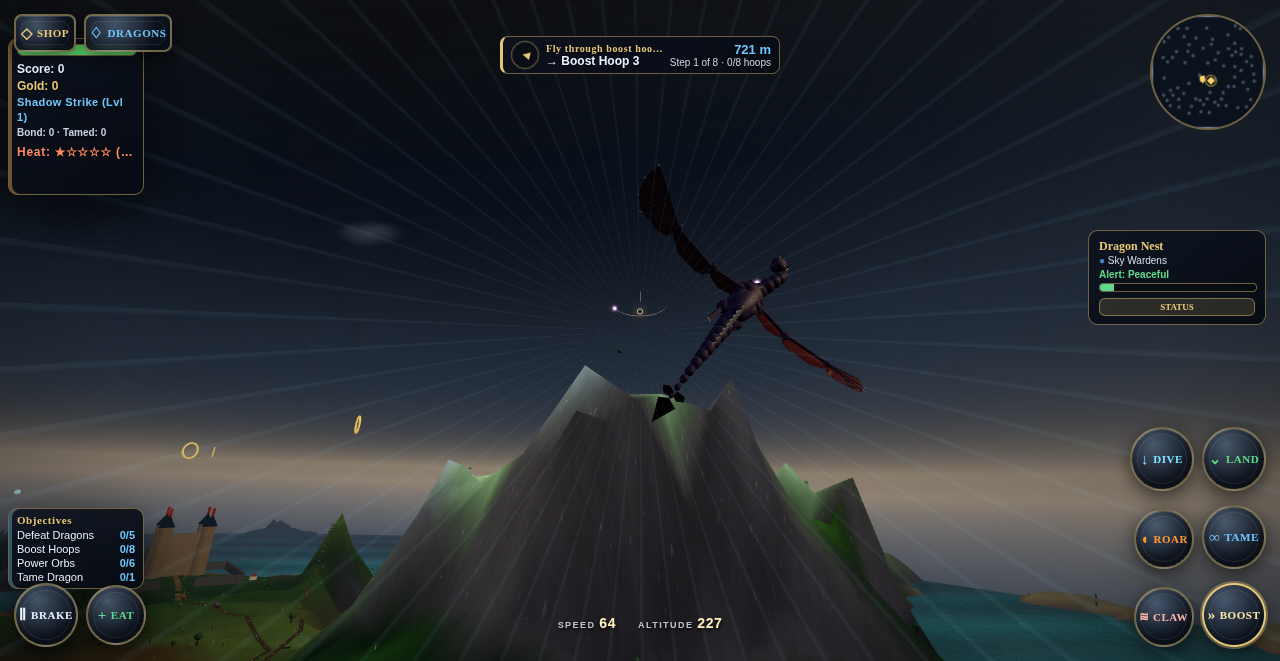
The live multi-file open-world dragon game — flight, combat, taming, weather, terrain, underwater systems, encounters and personality-driven wild dragons — merged across the fleet and running directly in the browser.
✓ live browser game · fleet-built · desktop + touch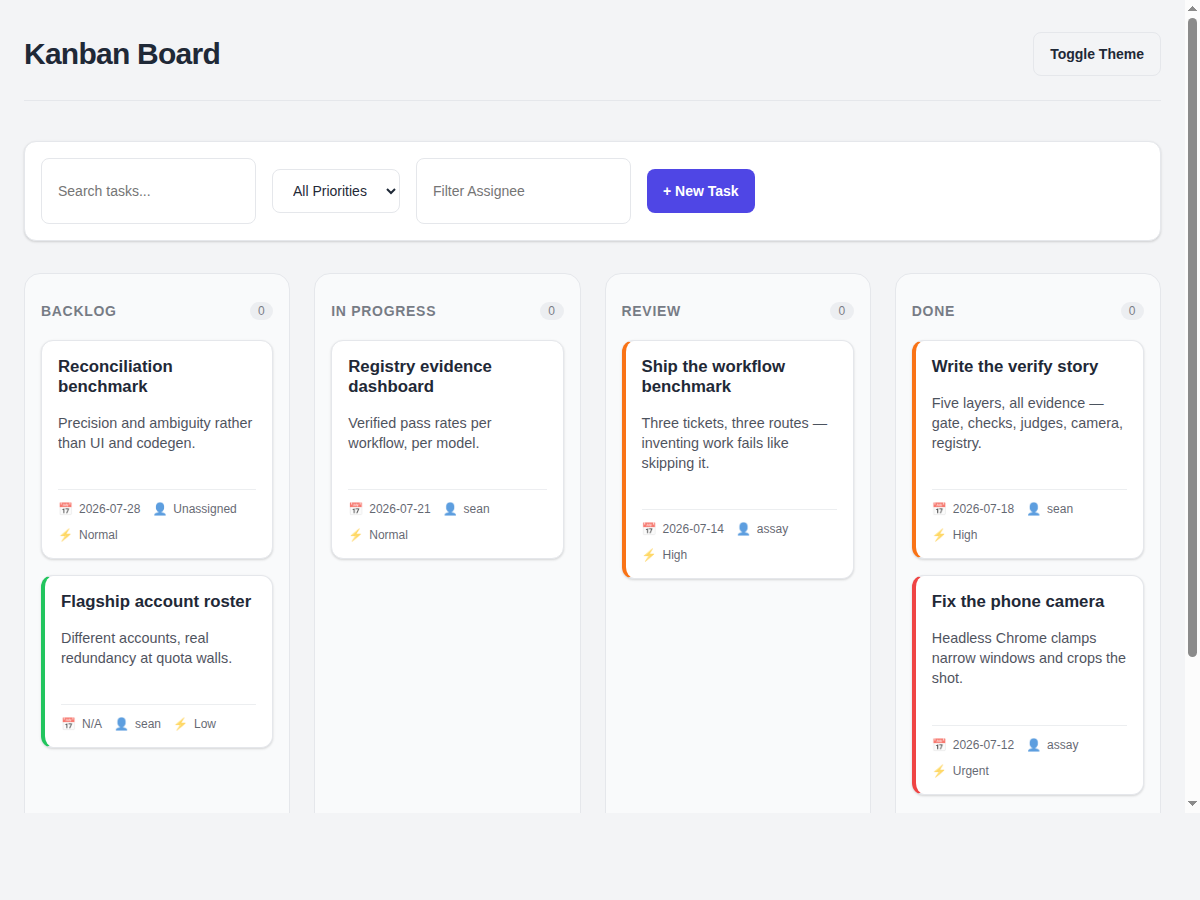
Full project management — drag & drop, priorities, due dates, assignees, search, dark mode, responsive to a phone.
✓ 41-check gate · a11y + frontend + perf · visual 10/10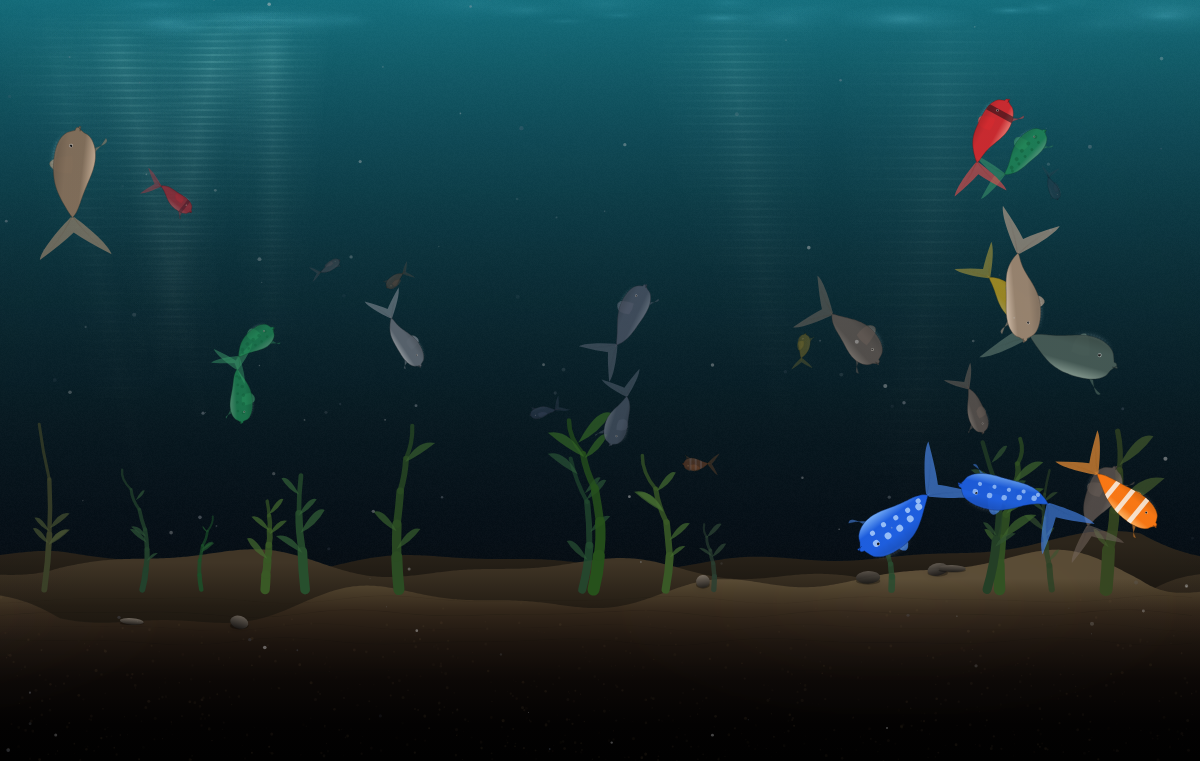
An interactive canvas world — animated fish, lighting and environmental behavior from a simple visual objective.
✓ built as an Assay visual stress test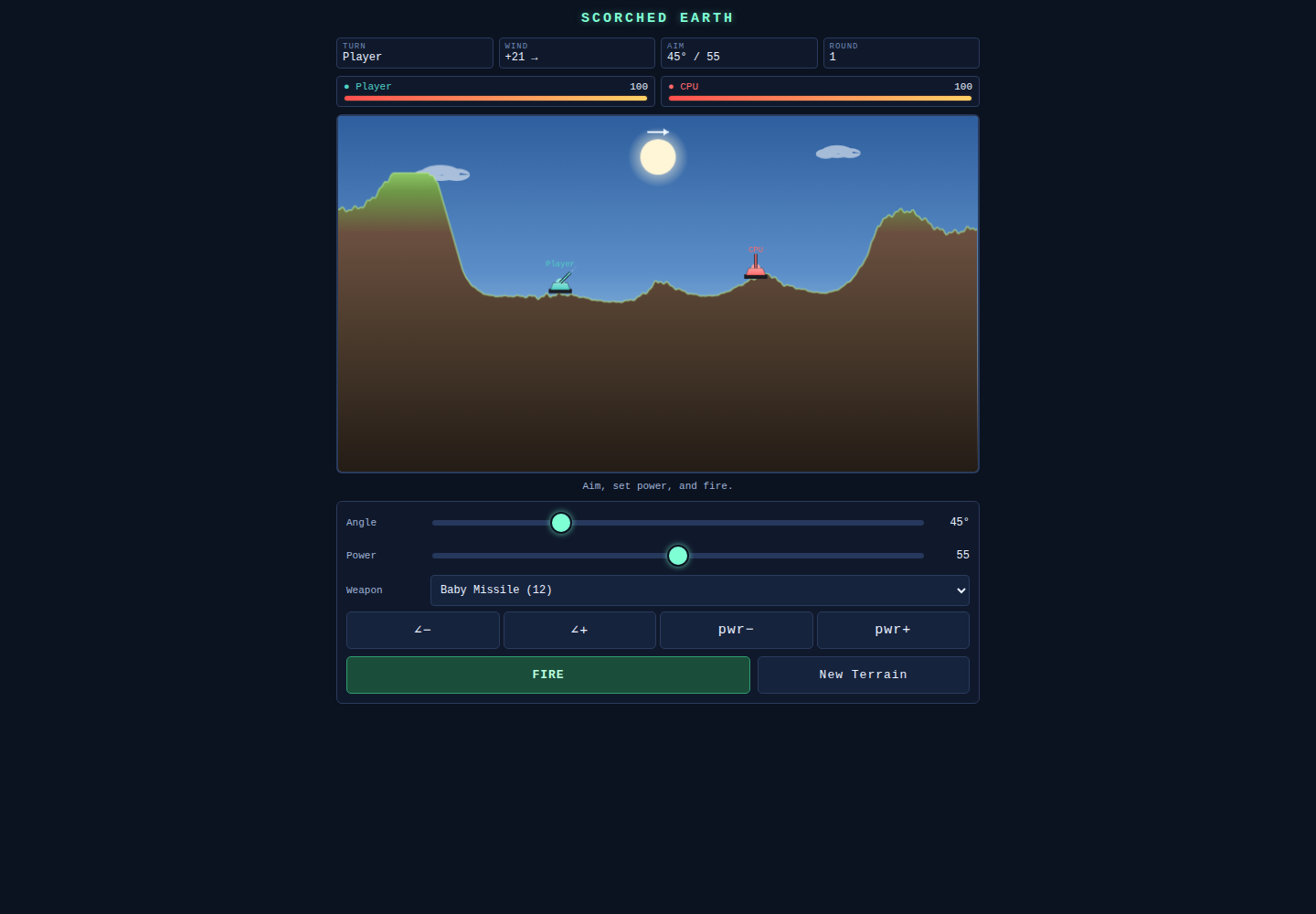
Terrain-deforming artillery with projectile physics, weapons and a CPU opponent — extracted from a real Angular application into a standalone browser game.
✓ standalone extraction · physics + CPU · desktop + touch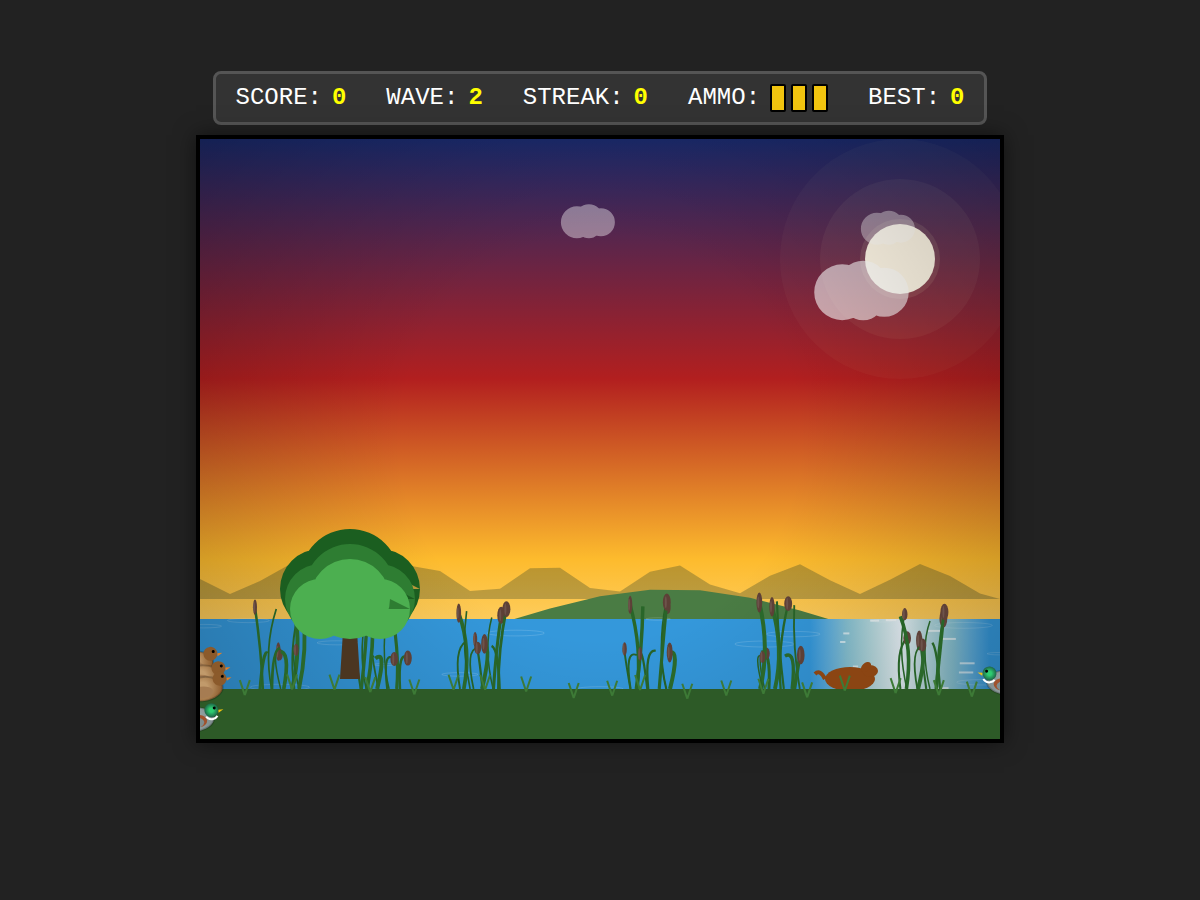
Playable canvas game. The gameplay judge doesn't look at it — it plays it, and fails the run if the ammo counter doesn't drop.
✓ gameplay + performance judges · visual 10/10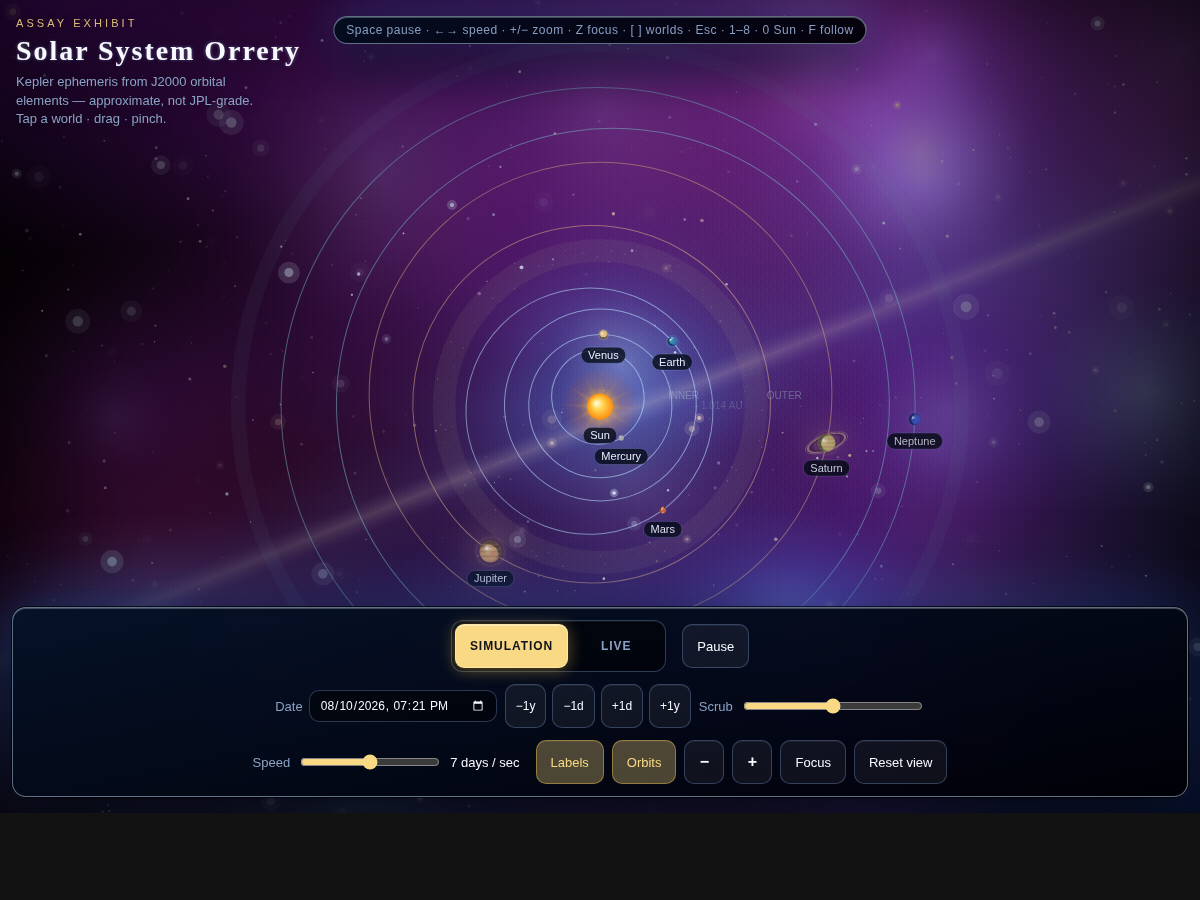
Kepler-ephemeris orbits, live scrubbing, touch and pointer controls — click through and fly it yourself.
✓ live browser demo · desktop + touch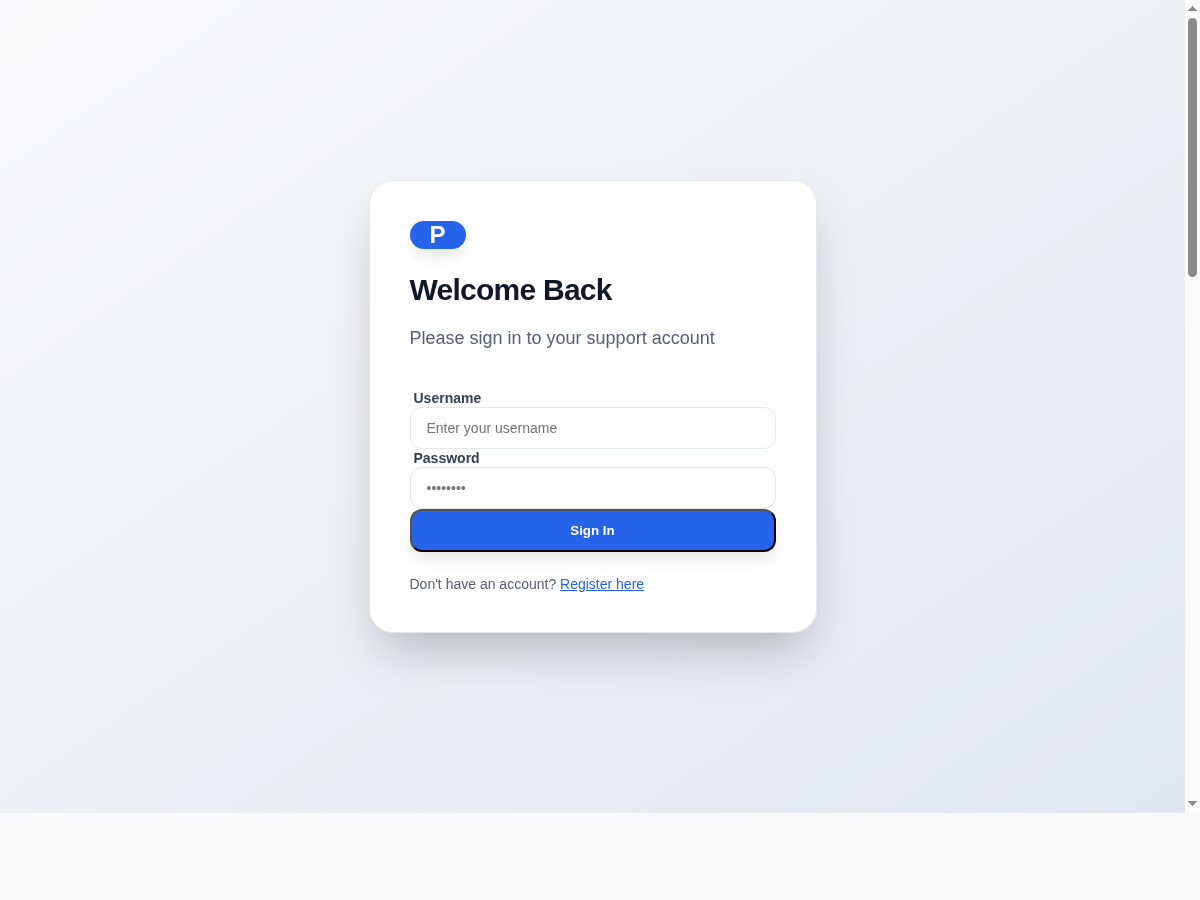
Eight systems in one zero-dependency server — login, tickets, byte-exact attachments, permission-aware search, audit trail. The gate attacks the permissions.
✓ 37-check backend gate · logs in for real · visual 10/10Contact us
Tell us what you're building and how you'd want to use assay. We read every one.